
Migration
GloriaFood printer problems: what's fixable, and what the shutdown changes
Printer trouble on a platform with no working support is a common GloriaFood search in 2026. The practical checks, the one-tablet constraint, and what printing looks like after the move.
 Harry Soar10 June 20262 min read
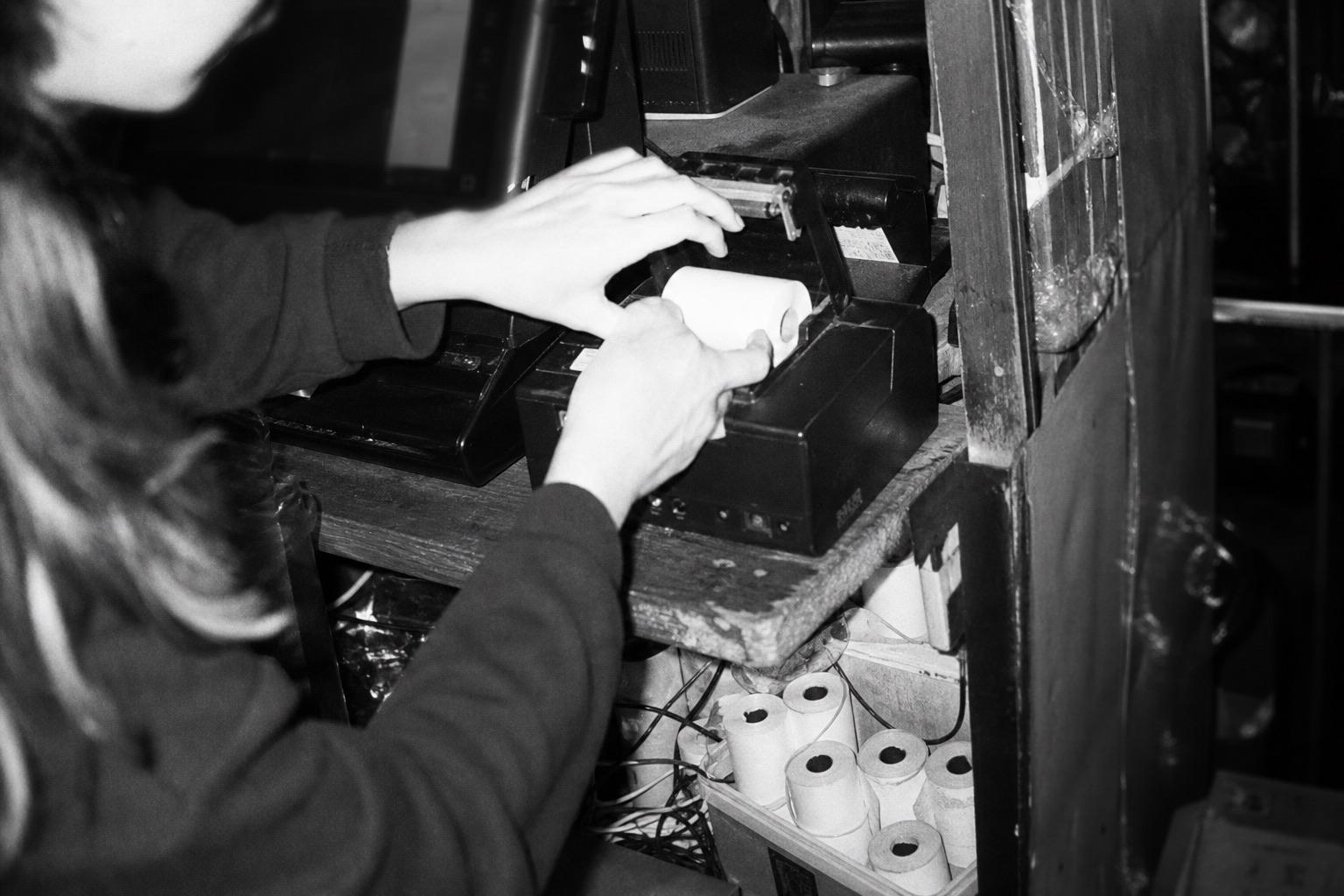
Printer searches are one of the most common GloriaFood queries left in 2026, and the reason is structural: kitchens run on tickets, GloriaFood support has been largely unresponsive since January 2025, and a printer that stops mid-service is the kind of problem support used to fix. The platform operates until 30 April 2027, so printing keeps working — but the debugging is on you now. Here's the practical version.
The checks that fix most receipt-printer problems
Most thermal-printer failures, on any ordering platform, come down to the same short list:
- Power and paper first — flat-sounding, but a pale or blank print is usually a roll loaded backwards or running out; thermal paper only prints on one side
- The connection — for network printers, confirm the printer and your tablet are on the same network and the router hasn't reassigned addresses after a reboot; for Bluetooth, re-pair from scratch rather than toggling
- The app — order alerts and printing route through the order-taking app; a force-close and reinstall clears more faults than it should
- One change at a time — if it printed yesterday, something changed: new router, moved printer, app update. Walk it backwards
The constraint you can't fix: one tablet
GloriaFood limits a restaurant to a single tablet — no separate front-of-house and kitchen devices, and no native kitchen display system. Operators have flagged this for years; in a split-team service it means one screen doing two jobs. There's no setting for this. It's a product decision, and the product is frozen. If your operation has outgrown one device, that's not a fault to troubleshoot — it's a sizing problem the replacement decision solves.
What happens to printing after the shutdown?
Your printer hardware is yours and survives the platform. Standard network and Bluetooth thermal printers are widely supported across modern ordering systems — the migration question is configuration, not repurchase. Two practical notes:
- Confirm models before cutover. Whatever platform you pick, send them your printer models and ask for a yes in writing. On Storekit, printer and kitchen routing is confirmed during parallel running — test orders print before live ones depend on it.
- Separate devices stop being a dream. Front-of-house and kitchen routing to different devices is normal elsewhere; the one-tablet ceiling is a GloriaFood constraint, not an industry one.
Frequently asked questions
Why can't I get help with my GloriaFood printer?
Support has been largely unresponsive since January 2025. The platform runs until 30 April 2027; the debugging is on you.
Can I run separate kitchen and counter devices?
Not on GloriaFood — one tablet per restaurant, no native KDS. On most modern platforms, yes.
Will my printer work after migrating?
Standard thermal printers usually carry over. Confirm your models with the new platform before cutover, in writing.
Hardware drama on a frozen platform isn't bad luck. It's the cost of staying late. Start the move before the printer picks the date for you.
More from the blog